Last updated: August 2026
Information checked: August 2026
Living in Busan becomes much easier once your phone is set up properly.
You can survive in Korea with Google Maps, a credit card, and a translation app, but everyday life becomes much smoother when you start using the apps that people in Korea actually use.
Some help you navigate. Others let you call a taxi, translate Korean notices, order household products, book a train, use Busan-specific benefits, or understand an emergency alert.
If you are new to Korea, these are the Apps for Living in Busan I would install first.
You do not need every Korean app on your first day.
Start with the apps that solve real problems.
Quick Answer: Which Apps Do You Need in Busan?
| App | What I use it for | Priority |
|---|---|---|
| NAVER Map | Navigation, buses, subway, local places | Essential |
| Kakao T / k.ride | Taxi | Essential |
| Papago | Korean translation | Essential |
| KakaoTalk | Communication | Essential |
| Coupang | Online shopping and household supplies | Very useful |
| Dongbaekjeon / Busan Pay | Busan payments, transport and local benefits | Useful for residents |
| KorailTalk | KTX and train tickets | Useful |
| Emergency Ready | Multilingual disaster and safety alerts | Essential |
If you install only four apps on your first day, I would choose:
NAVER Map + Papago + Kakao T or k.ride + KakaoTalk
Then add the others as your life in Busan becomes more settled.
1. NAVER Map — The First App I Would Install
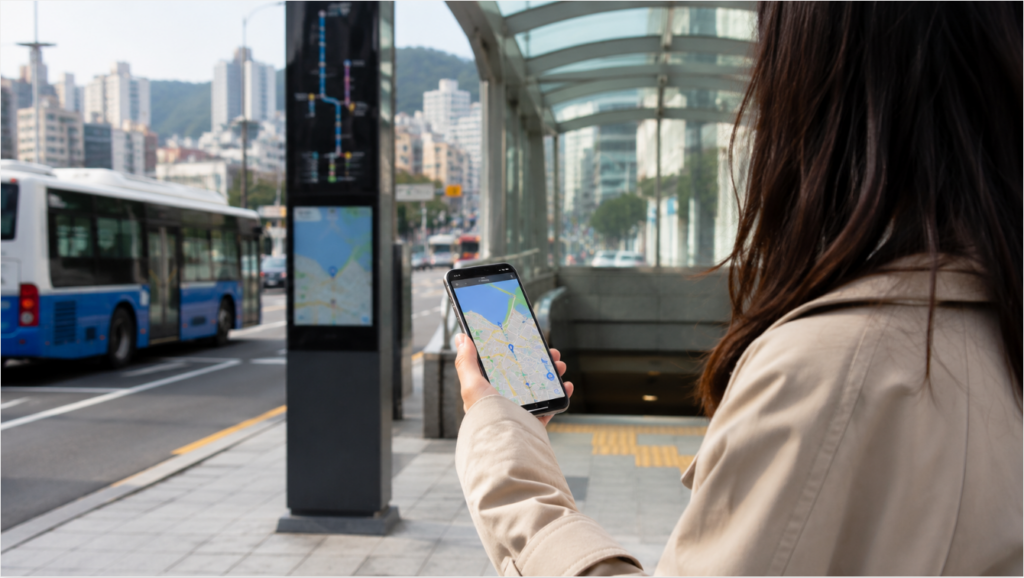
If you are going to live in Busan, start with NAVER Map.
Many foreigners arrive in Korea and continue using Google Maps because it is familiar.
For basic location searches that may be enough, but for daily navigation in Korea, a Korean map app is much more useful.
NAVER Map currently allows users to search locations, buses, subways, navigation routes and nearby businesses. It also provides an English-language experience for foreign users. In 2026, NAVER partnered with Busan Metropolitan City and the Korea Tourism Organization on its BE LOCAL campaign highlighting around 300 locations in Seoul and Busan for international visitors.
What I would save immediately
Add these to your favorites:
- Home
- Workplace
- University
- Nearest subway station
- Nearest supermarket
- Pharmacy
- Clinic
- Bank
- Favorite café
- Busan Station
Once these are saved, you rarely need to type your Korean address again.
Search in Korean when possible
English searches often work, but Korean names can produce better results.
For example, if you need a pharmacy, try:
약국
For internal medicine:
내과
For a laundromat:
빨래방
For a supermarket:
마트
You do not have to know Korean.
Copy the word into the search bar and use the results.
Why NAVER Map is especially useful in Busan
Busan is not flat.
Two destinations that look close on a map may be separated by a hill, stairs, or a long uphill street.
Always look at the actual walking route rather than judging only by distance.
A place that is 700 meters away can feel very different depending on the neighborhood.
https://www.navercorp.com/en/media/pressReleasesDetail?seq=10034414&utm_source=chatgpt.com
2. Kakao T or k.ride — For Taxis
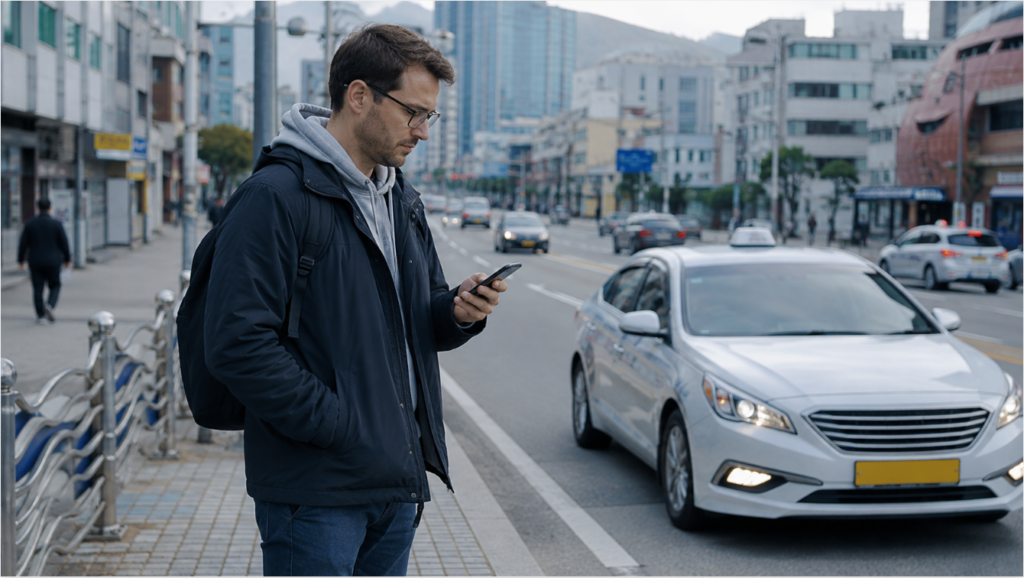
At some point you will need a taxi.
Maybe it is raining.
Maybe the last subway has already left.
Maybe you bought something heavy.
Or maybe your destination is on a hill that you suddenly regret trying to walk up.
For residents who already use Korean services, Kakao T is one of the main mobility apps.
The app supports Korean, English and Japanese and provides taxi calling along with several other transportation services.
However, foreigners who want a simpler multilingual taxi experience can also look at k.ride, a service operated using Kakao Mobility’s platform.
k.ride currently supports English, Simplified Chinese, Traditional Chinese and Japanese, allows users to search destinations in their own language, and displays estimated fares before the ride is called.
Which one should you use?
Use Kakao T if:
- you are living in Korea long term
- you already use Kakao services
- you have a Korean phone setup
- you want broader mobility functions
Consider k.ride if:
- you are new to Korea
- you want a multilingual taxi interface
- you are uncomfortable setting up Korean services
You do not need both permanently.
Try whichever is easier to set up with your phone and payment situation.
https://utility.kride.kakaomobility.com/?lang=en&utm_source=chatgpt.com
3. Papago — For the Korean You Cannot Avoid
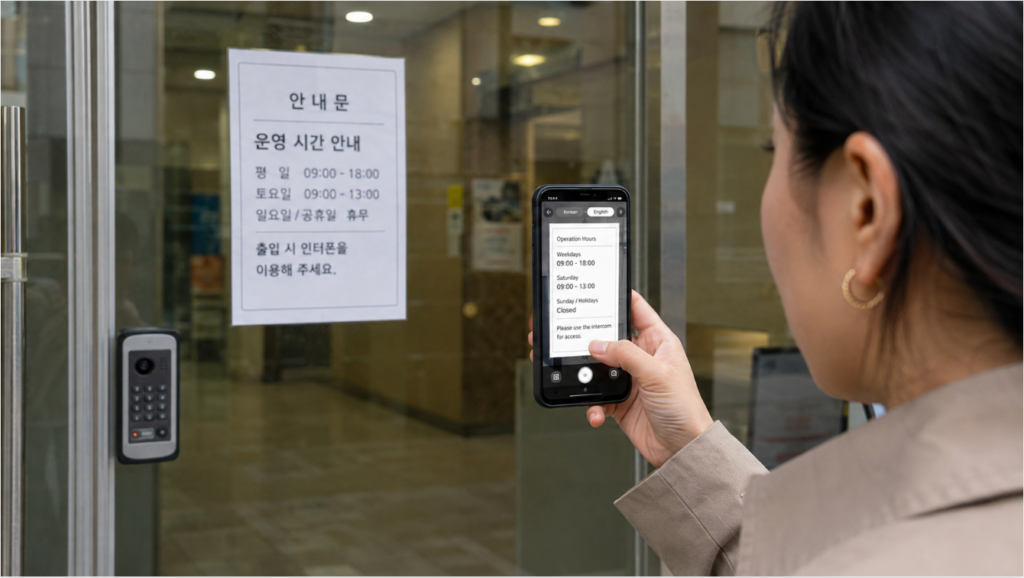
You can live in Busan without speaking fluent Korean.
You cannot live in Busan without seeing Korean.
You will find it on:
- apartment notices
- utility bills
- medicine
- restaurant menus
- delivery messages
- government documents
- recycling instructions
- bank screens
- text messages
That is where Papago becomes useful.
Papago currently supports text, voice, conversation and image translation through its mobile app.
Image translation is the feature I use most
Imagine that your apartment elevator suddenly has a notice taped to the wall.
You do not need to type every Korean character.
Take a photo.
Translate the image.
The same method works with:
- letters
- menus
- packaging
- signs
- medication instructions
- administrative documents
Conversation mode
Papago also supports two-way conversation translation.
You speak in your language, the app translates it into Korean, and the other person can respond in Korean.
This can be useful at:
- a pharmacy
- a real estate office
- a repair shop
- a building management office
It will not replace a professional interpreter for something legally or medically important.
But for ordinary daily life, it solves a surprising number of problems.
4. KakaoTalk — Because Korea Runs on Messages

At first, KakaoTalk may look like another messaging app.
Then you start living in Korea.
Your coworker uses KakaoTalk.
Your university group uses KakaoTalk.
A local business may contact you through KakaoTalk.
Parents, clubs, group activities and communities often organize through KakaoTalk.
Kakao describes the service as Korea’s major messaging platform, supporting individual and group chats, file sharing, voice and video calls, and Open Chat communities.
Why foreigners eventually need it
You may still use:
- LINE
- Telegram
with friends.
But once your daily relationships include Korean people or Korean organizations, KakaoTalk becomes difficult to avoid.
Open Chat can also be useful
Depending on your interests, you may find groups for:
- language exchange
- universities
- hobbies
- running
- parenting
- local communities
- foreigners in Korea
Be careful with personal information when joining public groups.
Treat Open Chat like any other public online community.
5. Coupang — The App That Changes Everyday Shopping
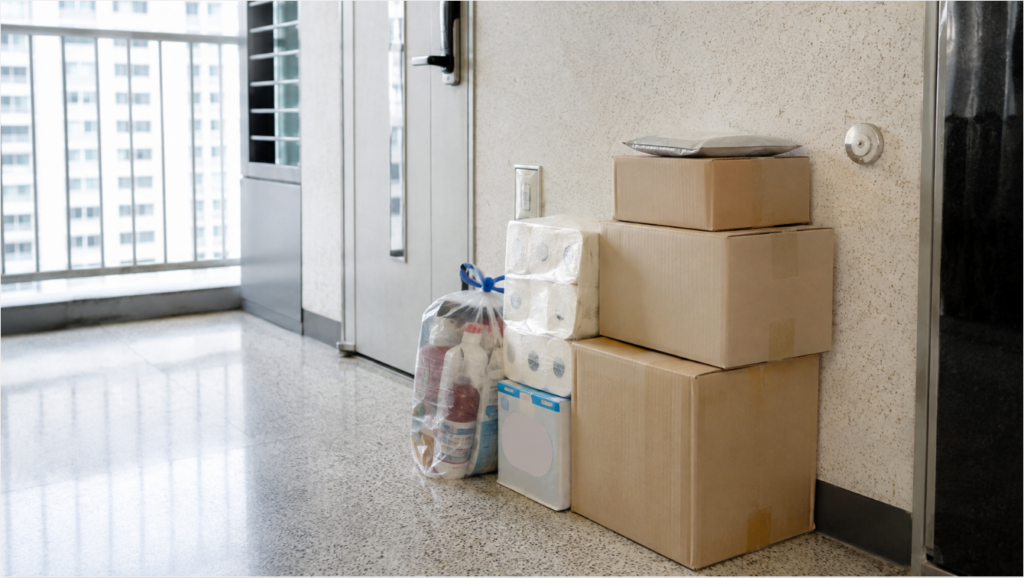
The moment you start buying toilet paper, bottled water, cleaning supplies, food, kitchen items and random household products, you will understand why Coupang is so widely used.
For someone living in Busan, it can reduce how often you need to carry bulky products home.
In 2025, Coupang introduced an English interface beta specifically to improve the shopping experience for foreign residents in Korea. The language option can be changed within the app settings.
What is useful to order online?
I would particularly use online shopping for:
- detergent
- toilet paper
- bottled drinks
- pet supplies
- household cleaning products
- storage items
- basic groceries
- heavy products
Buying a small snack online makes little difference.
Having a large box of household products delivered to your apartment does.
Your Korean address matters
Before ordering anything, make sure your address is saved correctly.
Korean apartment addresses often include:
- building number
- unit number
- entrance instructions
If delivery drivers repeatedly call you, check whether your delivery information is clear enough.
6. Dongbaekjeon or Busan Pay — The App That Is Actually Busan-Specific

Most apps on this list are useful across Korea.
This one is different.
Dongbaekjeon (동백전) is Busan’s local currency and citizen platform.
It can provide local payment benefits, and the same ecosystem is connected to services such as the Dongbaek Pass public transportation program. The exact cashback and benefit conditions can change according to Busan city policy.
Foreign residents can use Dongbaekjeon, but there are requirements
Visit Busan states that foreign residents registering for the Dongbaekjeon app need:
- a foreign registration number
- a smartphone opened with a Korean carrier in their own name
Foreigners without a foreign registration number can instead use Busan Pay, which is designed for foreign users.
So the simple rule is:
If you live in Busan long term
Check Dongbaekjeon.
If you are visiting or do not have foreign resident registration
Check Busan Pay.
Busan Pay also offers foreign-language support and combines functions such as payment, transportation and local information for international users.
This is one app category where living in Busan is genuinely different from living in Seoul.
https://www.busan.go.kr/eng/prepaid-dongbaekpass?utm_source=chatgpt.com
7. KorailTalk — Because Busan Is Far From the Rest of Korea
Living in Busan means you will eventually take a train.
Seoul?
KTX.
Daegu?
Train.
Daejeon?
Train.
A weekend somewhere outside Busan?
Probably a train at some point.
KorailTalk is Korea Railroad Corporation’s official train ticket app.
The app currently provides ticket reservation services in English, Chinese and Japanese.
Why install it instead of waiting until your trip?
Popular trains can sell out.
This is especially important around:
- weekends
- public holidays
- Seollal
- Chuseok
During peak holiday booking periods, KORAIL may also use special reservation schedules.
If you live in Busan, install the app before the day you suddenly decide you need a KTX ticket.
Know the station difference
Busan Station is the main KTX station in central Busan.
Do not confuse it with every station containing the word “Busan” or assume every railway service leaves from the same place.
Always check the departure station written on your ticket.
https://play.google.com/store/apps/details?id=com.korail.talk&utm_source=chatgpt.com
8. Emergency Ready — The App You Hope You Never Need
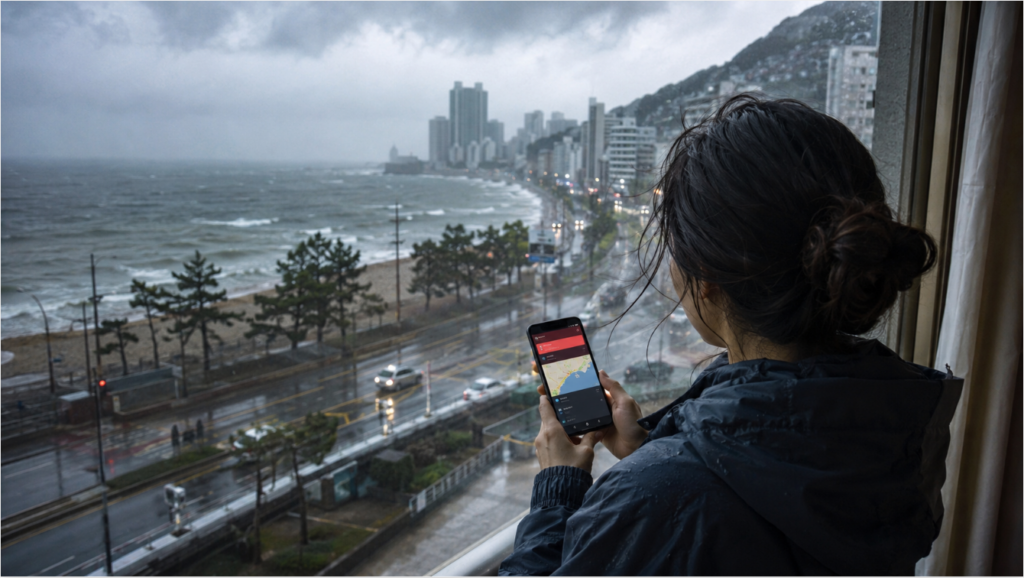
This is probably the least exciting app on the list.
It may also be one of the most important.
Korea regularly sends emergency alerts for situations such as:
- typhoons
- heavy rain
- heat waves
- earthquakes
- heavy snow
- other safety situations
For foreigners, the problem has traditionally been understanding Korean emergency messages quickly.
That improved significantly in 2026.
The Ministry of the Interior and Safety expanded the Emergency Ready App from three supported languages to 22 languages in June 2026.
The app provides:
- multilingual disaster alerts
- safety instructions
- shelter information
- public medical facility information
According to the ministry, the expanded language coverage is designed to make emergency information accessible to the vast majority of foreign residents in Korea.
Why this matters in Busan
Busan is a coastal city.
Depending on the season, you may encounter:
- typhoon warnings
- heavy rain
- strong winds
- heat alerts
Most days, the app will sit quietly on your phone.
That is fine.
Install it before you need it.
Which Apps Do You Actually Need on Day One?
You do not need all eight immediately.
If you just arrived in Busan today, install:
1. NAVER Map
So you can get around.
2. Papago
So you can understand what you see.
3. Kakao T or k.ride
So you can get home when public transportation is inconvenient.
4. KakaoTalk
So you can communicate with people in Korea.
Then, during your first few weeks:
5. Coupang
Once you have a stable address and want online shopping.
6. Dongbaekjeon
Once your foreign resident registration and Korean phone setup are ready.
7. KorailTalk
Before your first trip outside Busan.
8. Emergency Ready
Actually, install this one now too.
Apps Are Useful, but Your Korean Phone Setup Still Matters
One important thing foreigners discover is that downloading an app does not always mean every feature will immediately work.
Some Korean services may require combinations of:
- Korean phone number
- identity verification
- foreign registration number
- Korean bank account
- locally issued payment method
That is why the first few weeks can feel inconsistent.
One app works immediately.
Another asks for verification.
Another lets you browse but not complete a payment.
Do not assume you are doing something wrong.
The Korean digital ecosystem is strongly connected to local identity and payment systems.
As you complete your phone, residence registration and banking setup, more services generally become accessible.
A Better Way to Organize Your Phone in Korea
After a few weeks, your phone can become full of Korean apps.
Create a folder called:
Korea
or:
Busan
Inside it, keep:
- NAVER Map
- Papago
- Kakao T
- KakaoTalk
- Coupang
- Dongbaekjeon
- KorailTalk
- Emergency Ready
I would also save screenshots of:
- your Korean address
- your foreign residence card details if appropriate
- important emergency numbers
- your building’s garbage instructions
Do not store sensitive documents carelessly, but keep the everyday information you repeatedly need easy to access.
Frequently Asked Questions
What is the best map app for foreigners in Busan?
NAVER Map is one of the most useful choices because it provides Korean local search, public transportation information and an English-language interface.
It is especially useful when searching for Korean businesses and public transportation routes.
Can foreigners use Kakao T in Korea?
Foreign residents can use Kakao T, although account verification and payment setup may depend on your situation.
Foreign users looking for a more multilingual taxi-focused service can also consider Kakao Mobility’s k.ride, which supports English, Chinese and Japanese.
Does Coupang have English?
Yes.
Coupang introduced an English interface for its app to improve accessibility for foreign customers living in Korea.
Some individual product information or connected services may still vary, so expect to encounter some Korean.
Can foreigners use Dongbaekjeon?
Yes, foreign residents can use Dongbaekjeon when they meet the registration requirements.
Current guidance says foreigners generally need a foreign registration number and a Korean mobile phone registered in their own name to join through the app. Foreigners without foreign registration can consider Busan Pay instead.
Which translation app is best for living in Korea?
Papago is particularly useful for everyday Korean because it provides text, image, voice and conversation translation.
Image translation is especially practical for signs, notices and documents.
Is Google Maps enough in Busan?
It can help with basic location information, but I would still install a Korean map service if you are staying long term.
NAVER Map provides detailed Korean local search and public transport information that is useful for everyday life.
Final Thoughts
The best Apps for Living in Busan are not necessarily the apps with the most features.
They are the ones that remove small problems from your day.
NAVER Map helps you reach a clinic.
Papago helps you understand the sign on the clinic door.
Kakao T gets you home when it rains.
Coupang delivers the things you do not want to carry.
Dongbaekjeon connects you with Busan-specific services.
KorailTalk gets you out of the city when you want a weekend away.
Emergency Ready helps you understand what is happening when Korea sends an alert you cannot read.
Install the basics first.
Then add apps when you actually need them.
After a month or two, you will probably stop thinking of them as “Korean apps.”
They will simply be the tools you use to live in Busan.
https://easykorealife.com/wp-admin
About the Author